CreatorCon official media pack 2027

Make your own CreatorCon 27 post from one photo, then grab the logos, colours and overlays.

Make your post

Drop a photo. Get your posts.

Add your photo, type your name and pick who you are. Your feed post, story and square post are made right here on your device. Nothing is uploaded.

1. Your photo
Photo: left or right
Photo: up or down

Logos

Logos

PNG at 1x and 2x. SVG where a vector exists: the mark only. The lockup ships as PNG.

  • Clear space: leave the height of the C in CREATOR clear on every side.
  • Minimum size: lockup 120 px wide on screen or 30 mm in print; mark 24 px or 6 mm.

Lockup, ink

Lockup, ink

Australia stays under the name on every use.

Lockup, white

Lockup, white

Australia stays under the name on every use.

Colours and the chequer

Colours and the chequer

Yellow
#FDCF09
Ink
#0A0A0C
Cream
#FFF8DC
The yellow and ink chequer strip
The chequer runs along a bottom edge or a corner, never behind text.

The chequer strip

Two rows of squares. 2240 x 88 and 1080 x 44 PNG, plus an SVG that scales to any width.

Frames
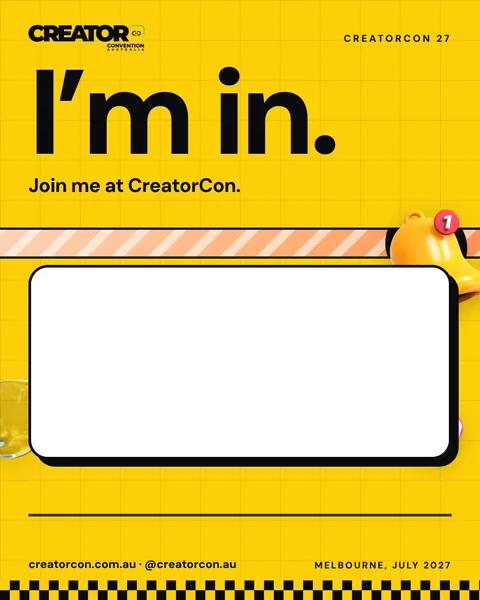
Frames: put your own photo behind these

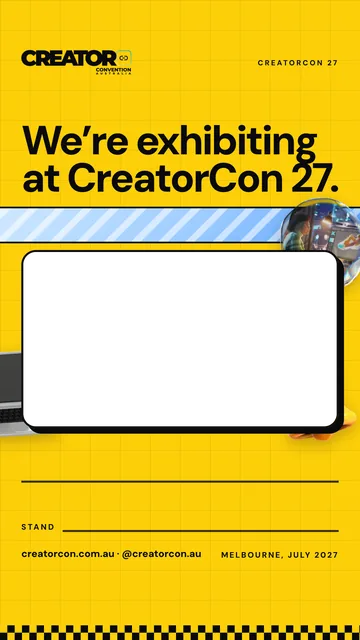
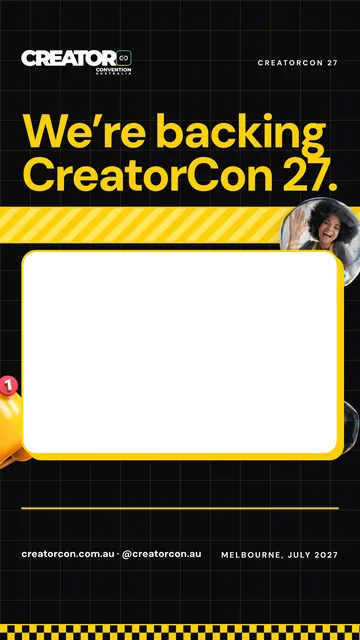
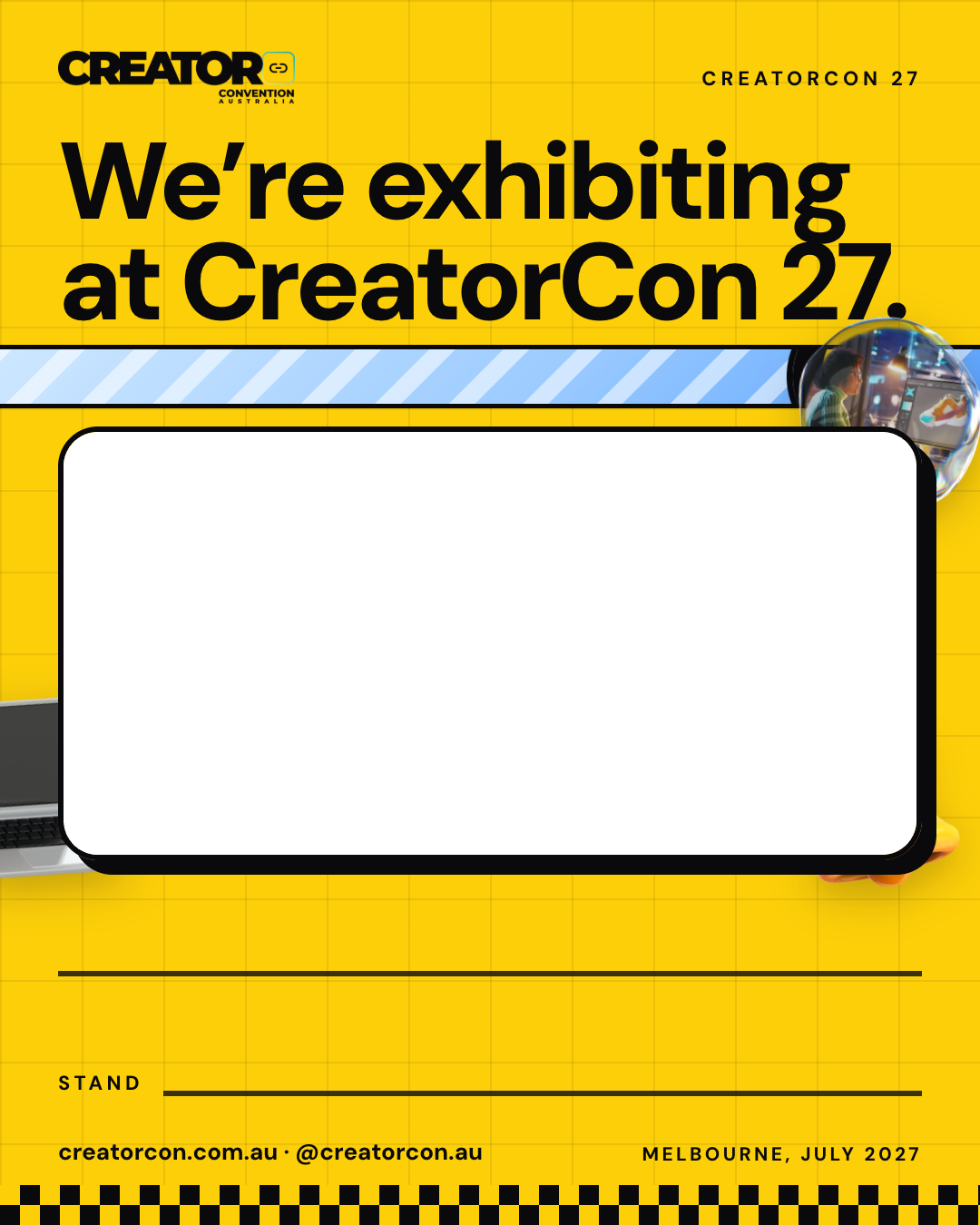
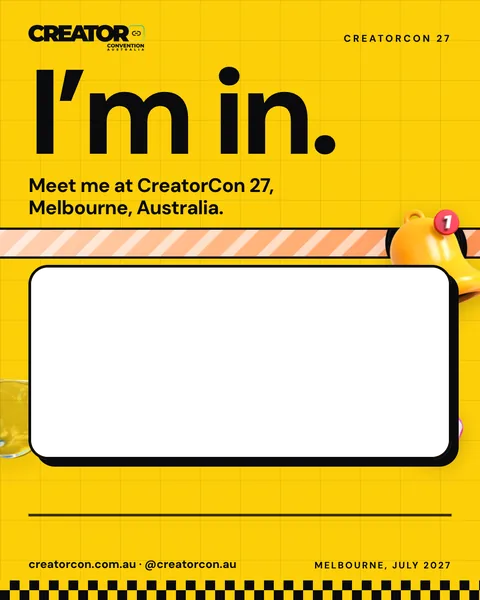
A frame is a ready-made post with a see-through hole where the photo goes. Put it over your own photo or video in Instagram, Canva or CapCut. Most people should use the post maker at the top of this page instead.

Feed, 1080 x 1350

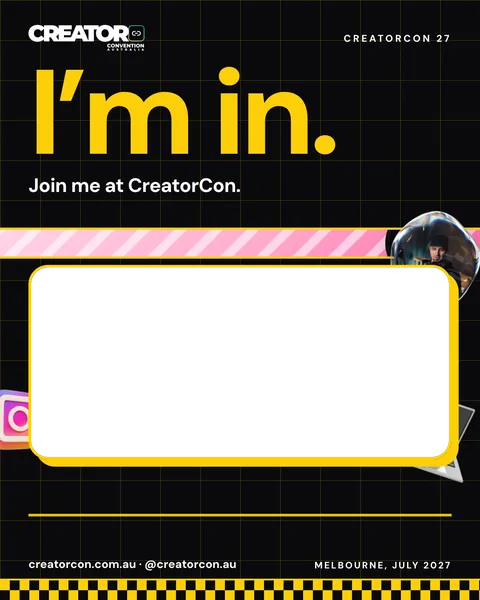
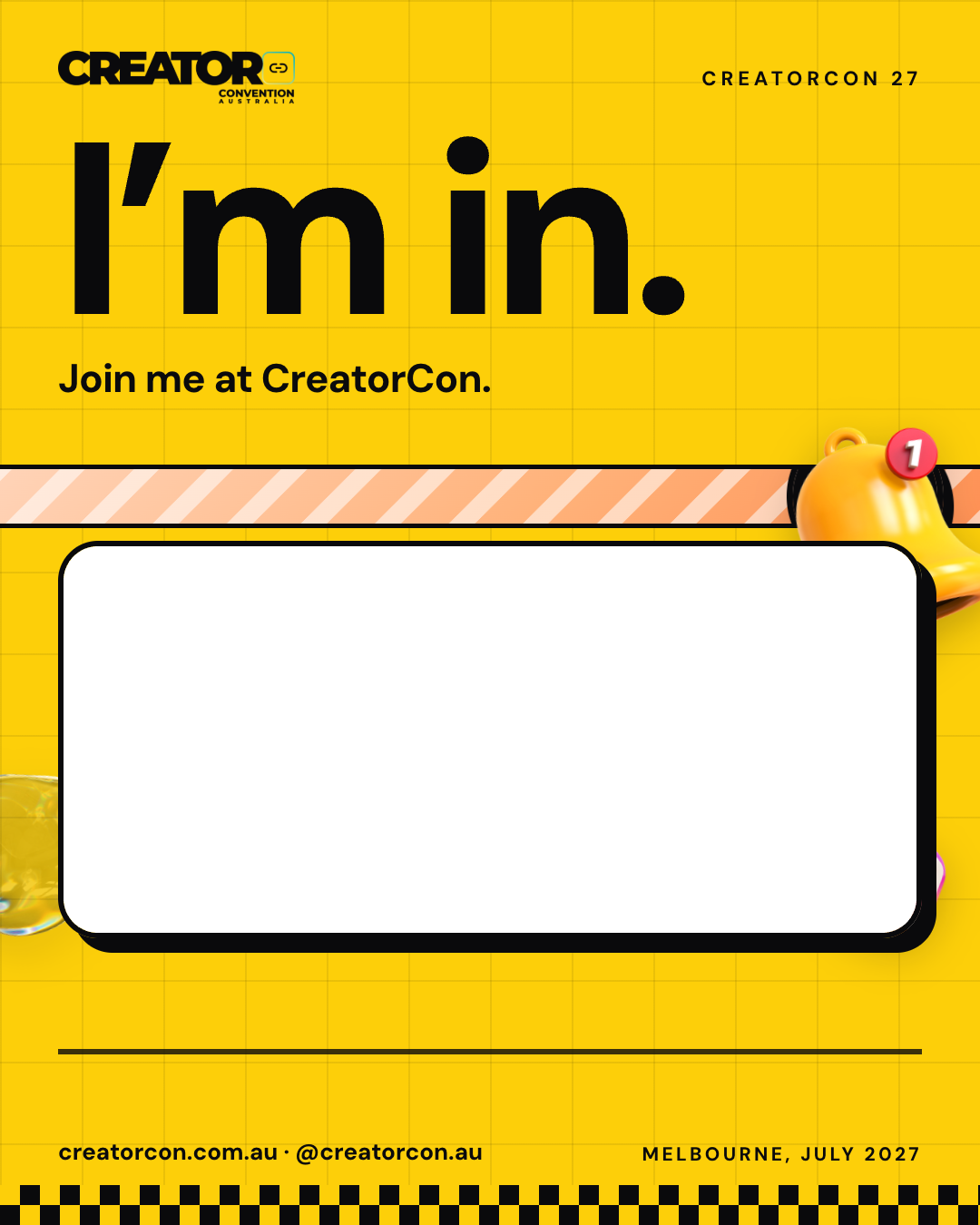
Frame, feed: I’m in: attendee

I’m in: attendee

Join me at CreatorCon.
Feed, 1080 x 1350

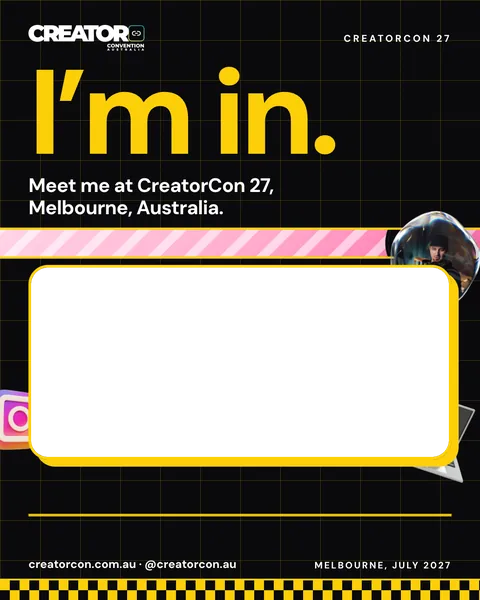
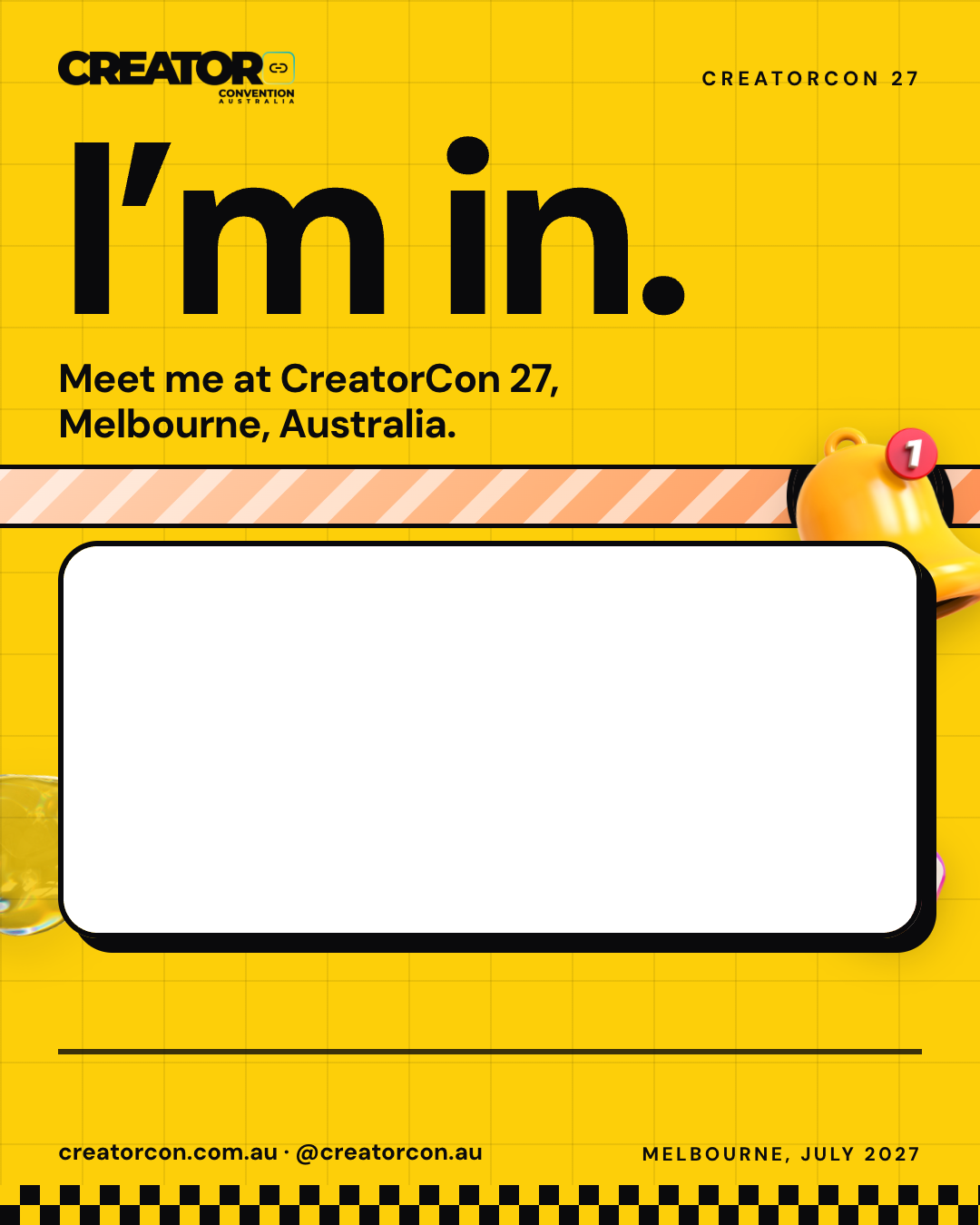
Frame, feed: I’m in: attendee

I’m in: attendee

Meet me at CreatorCon 27
Feed, 1080 x 1350

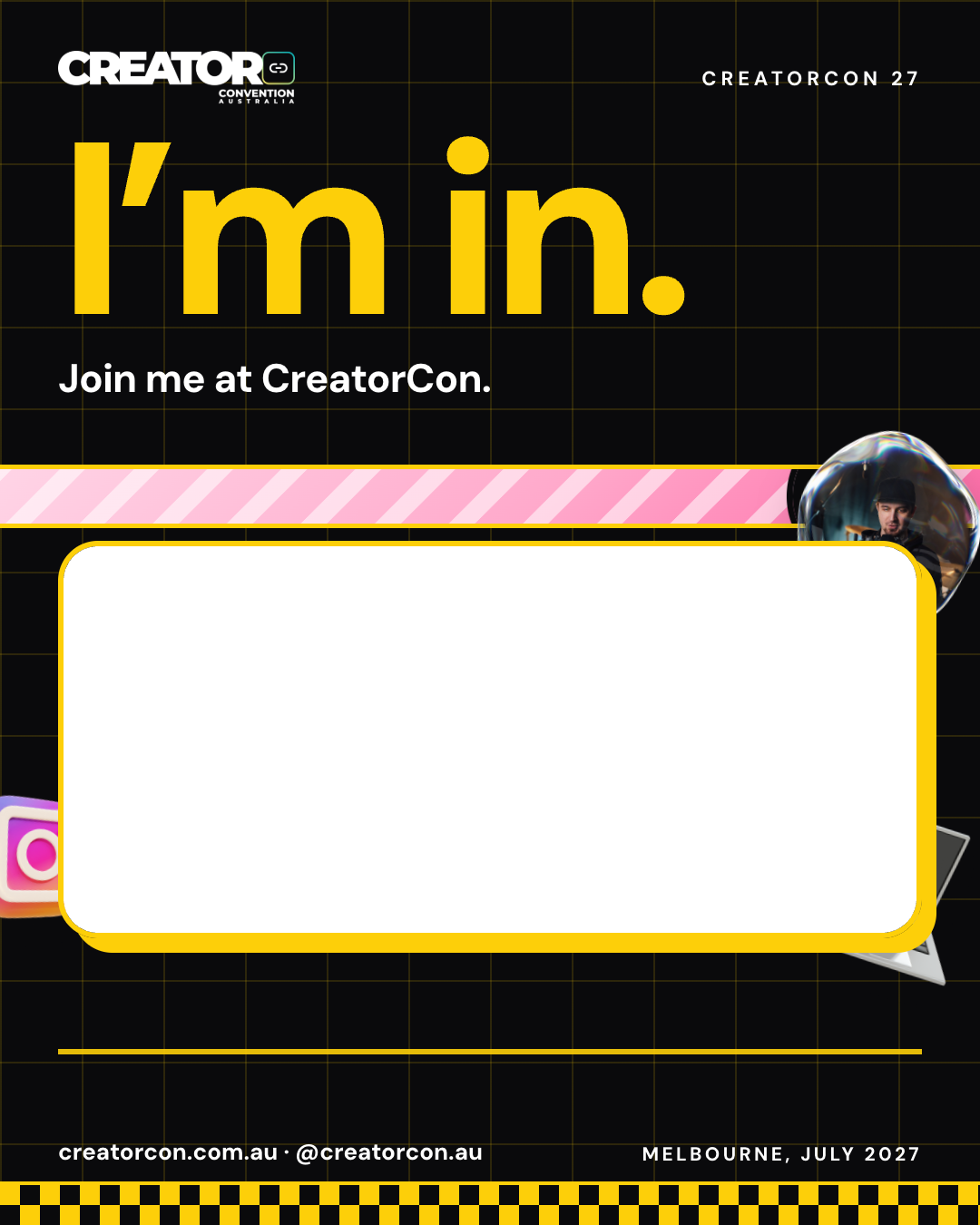
Frame, feed: I’m in: creator

I’m in: creator

Join me at CreatorCon.
Feed, 1080 x 1350

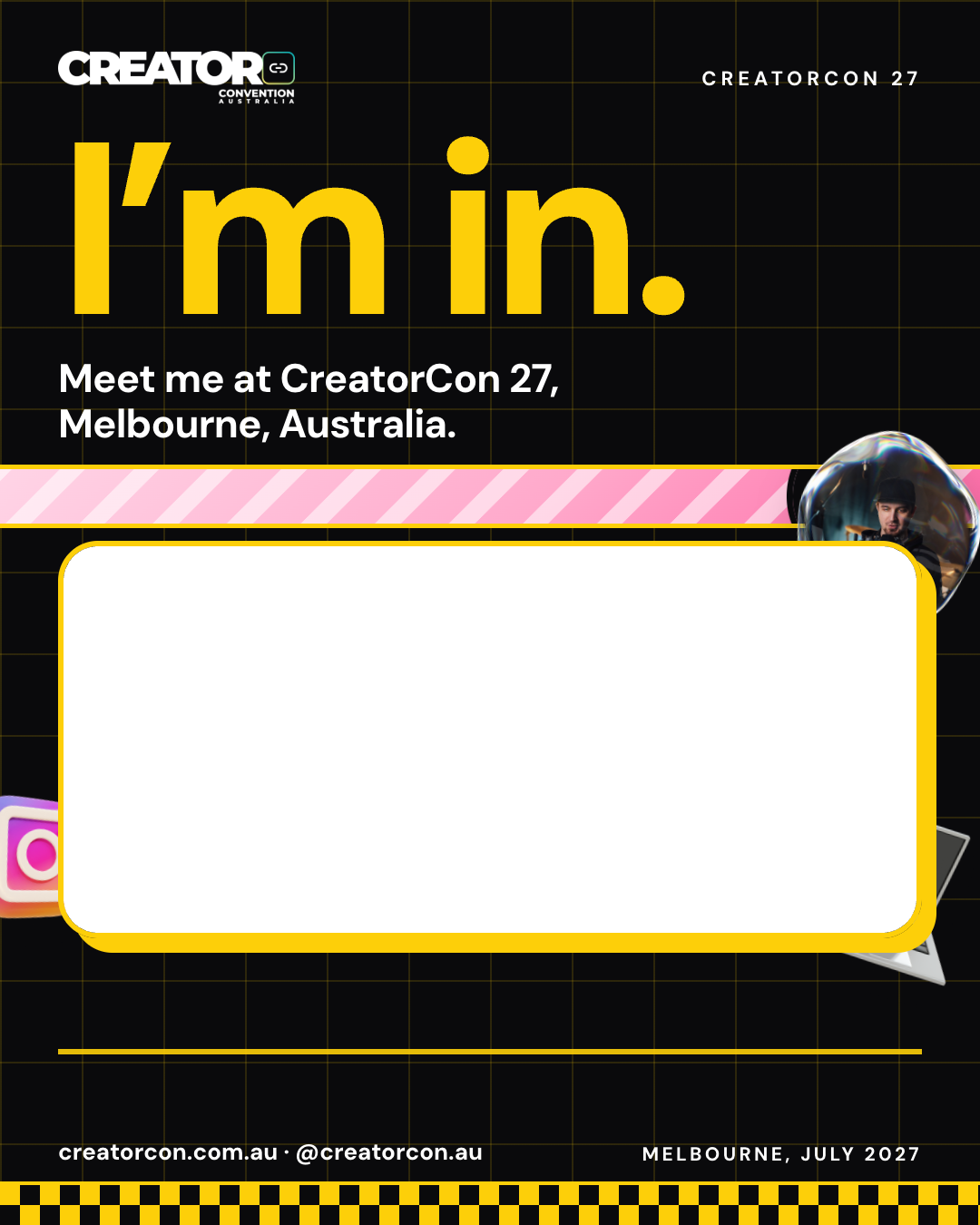
Frame, feed: I’m in: creator

I’m in: creator

Meet me at CreatorCon 27
Feed, 1080 x 1350

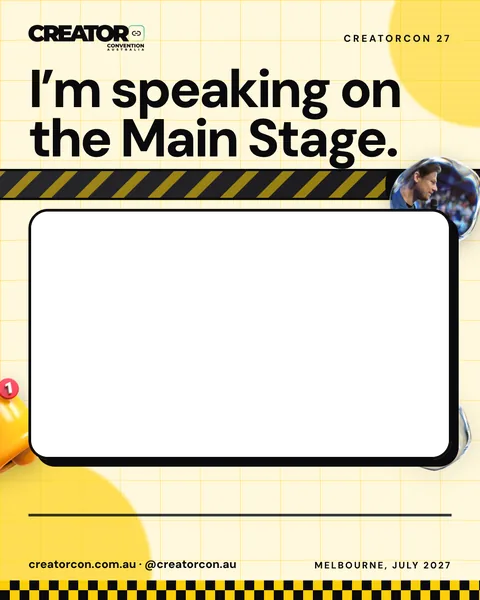
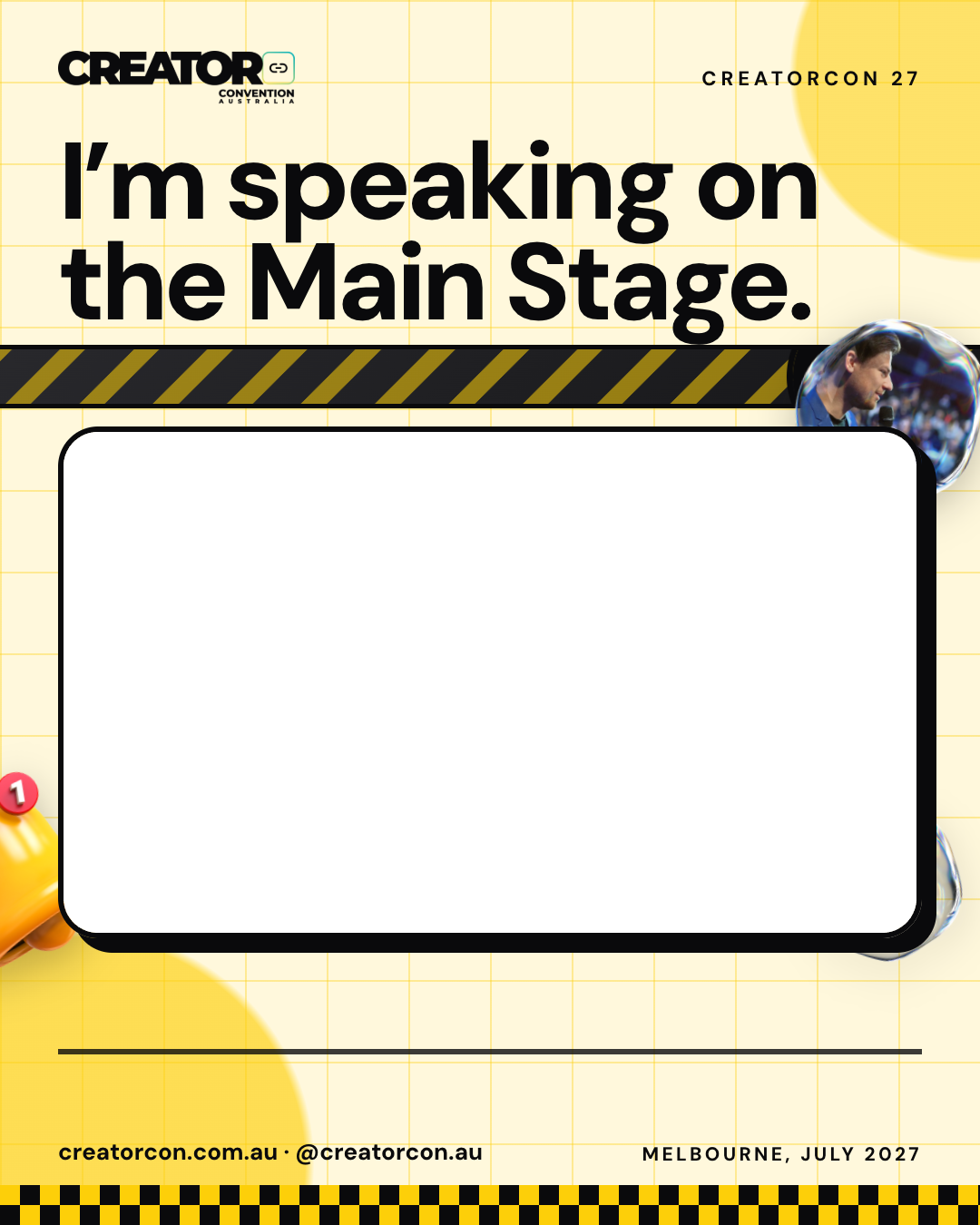
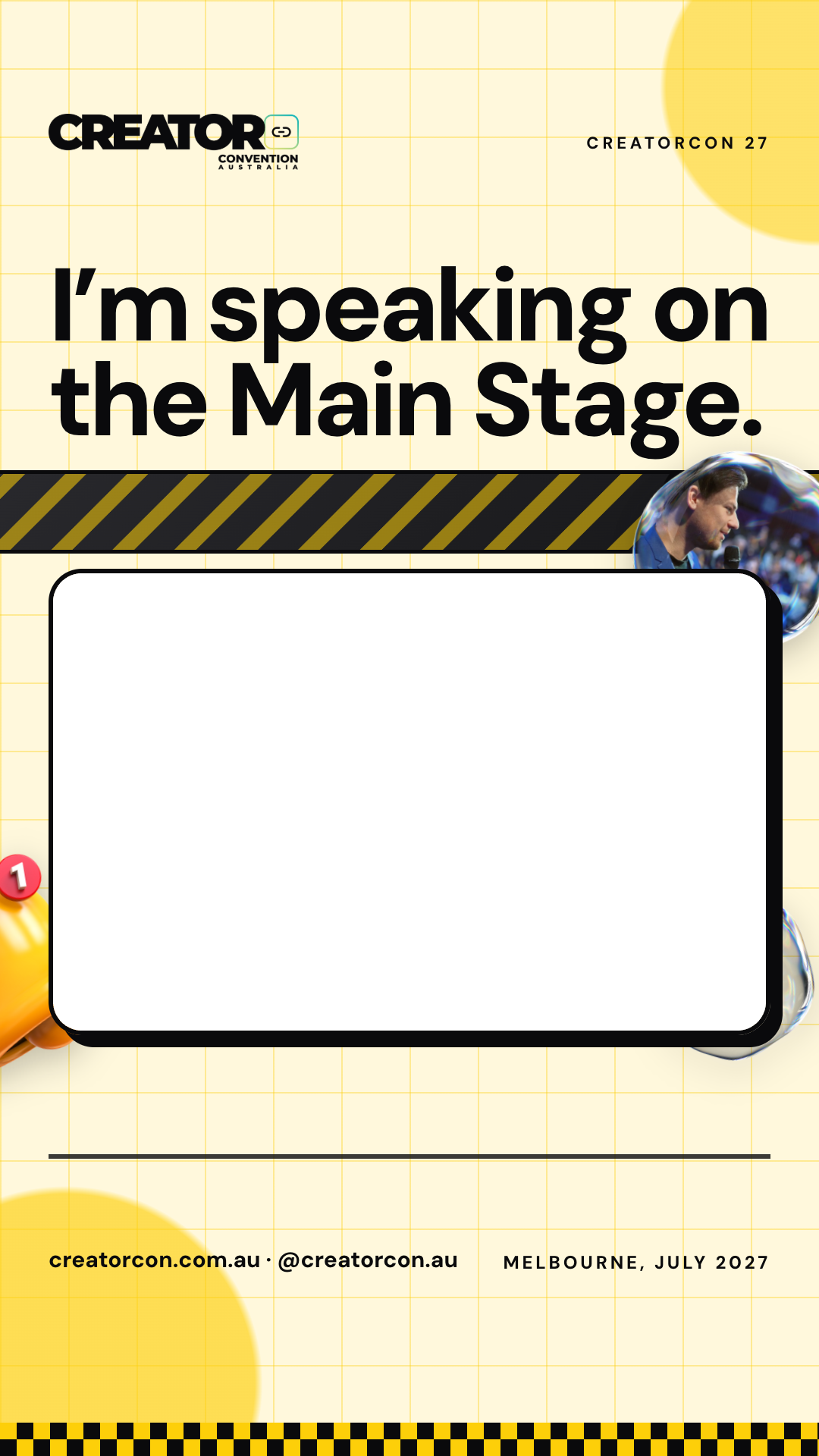
Frame, feed: Speaking on the Main Stage

Speaking on the Main Stage

Feed, 1080 x 1350

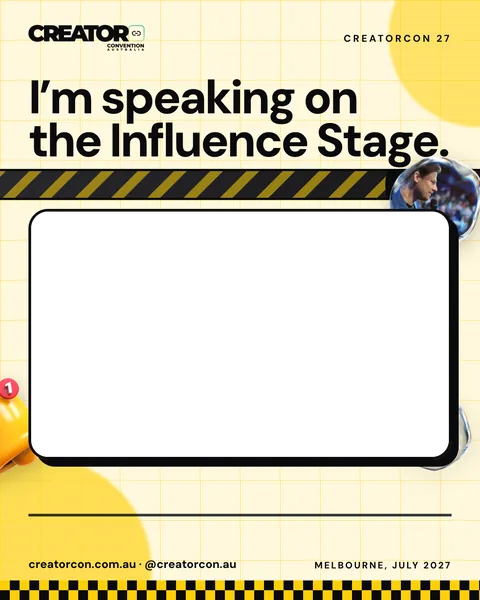
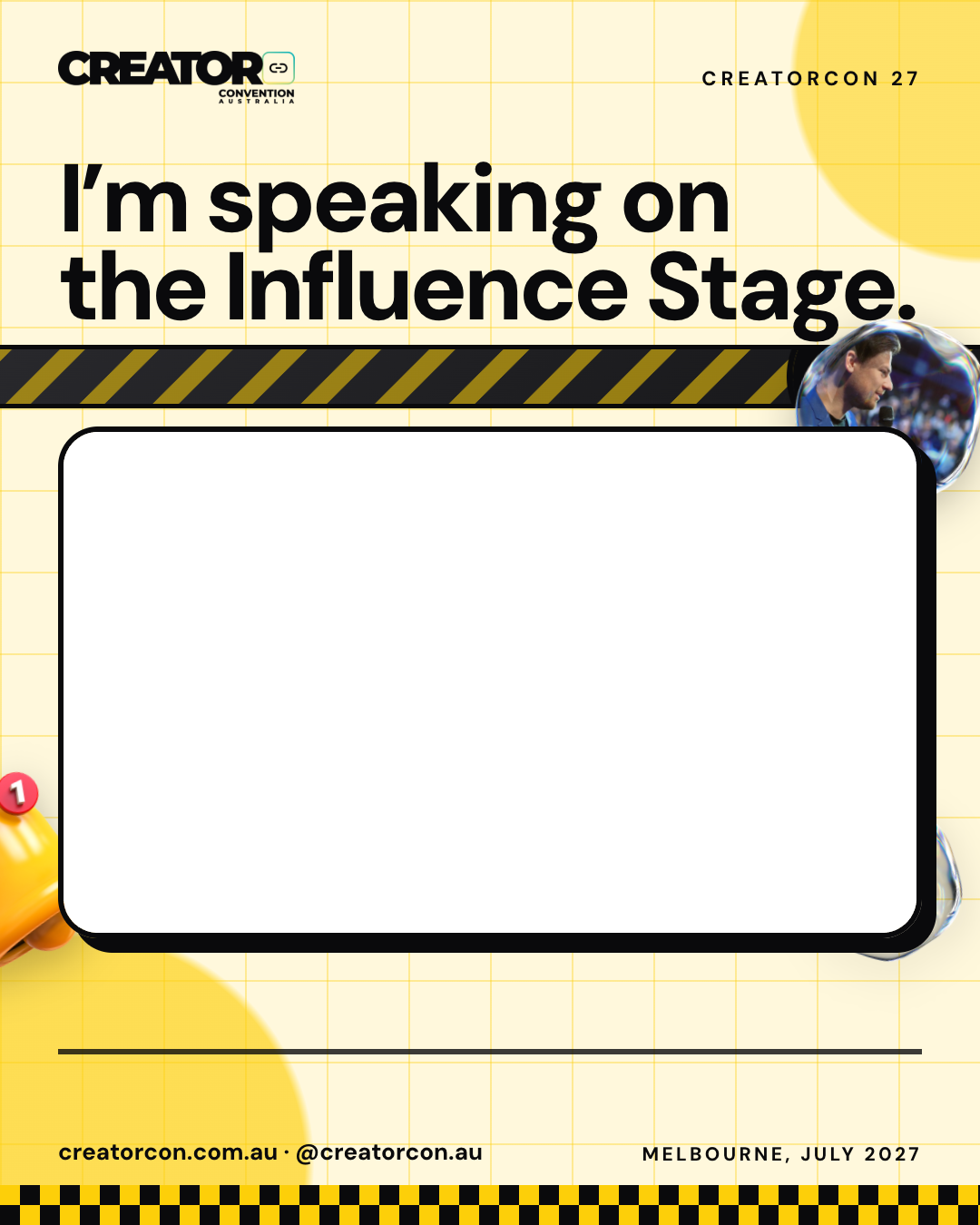
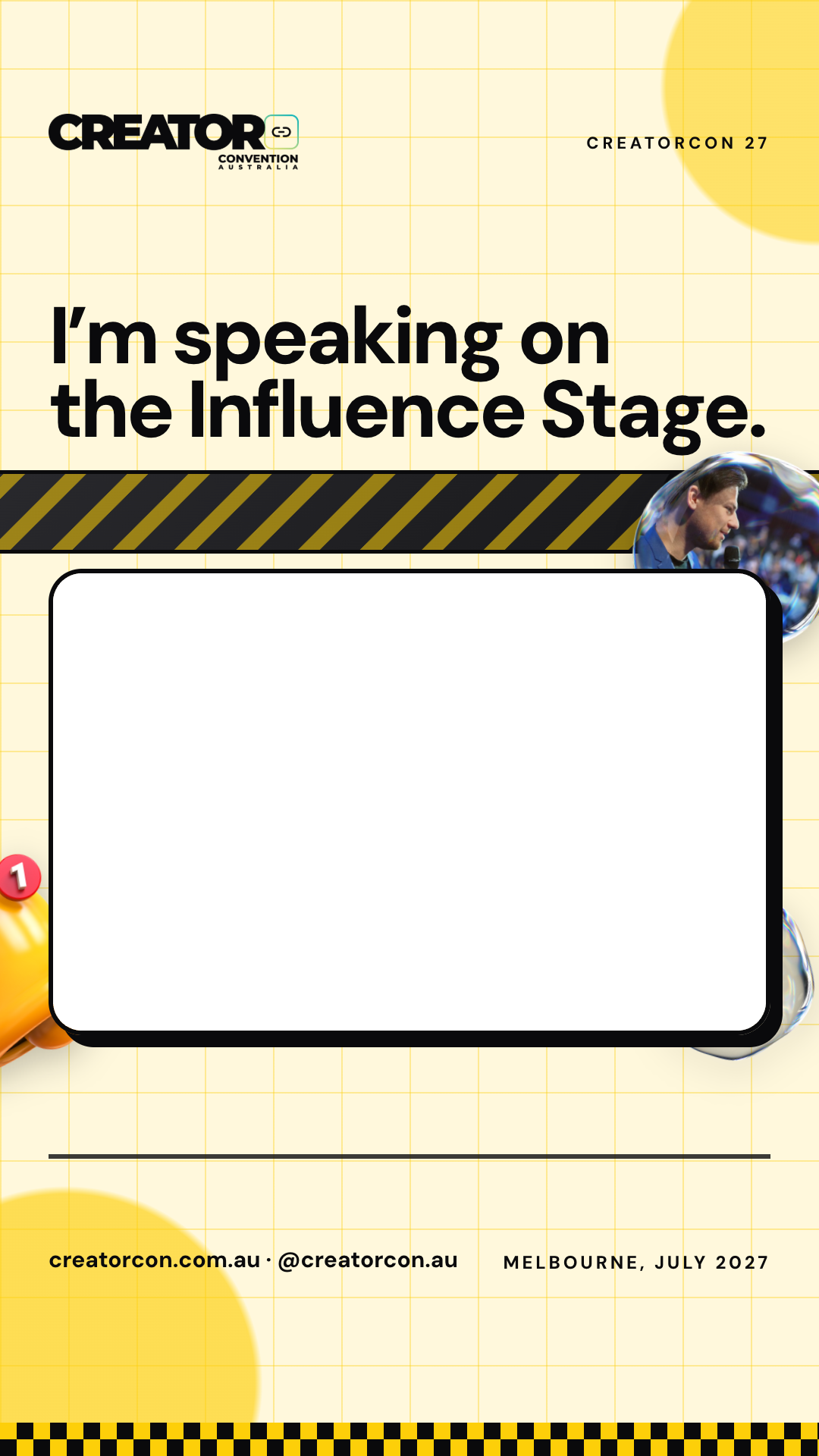
Frame, feed: Speaking on the Influence Stage

Speaking on the Influence Stage

Feed, 1080 x 1350

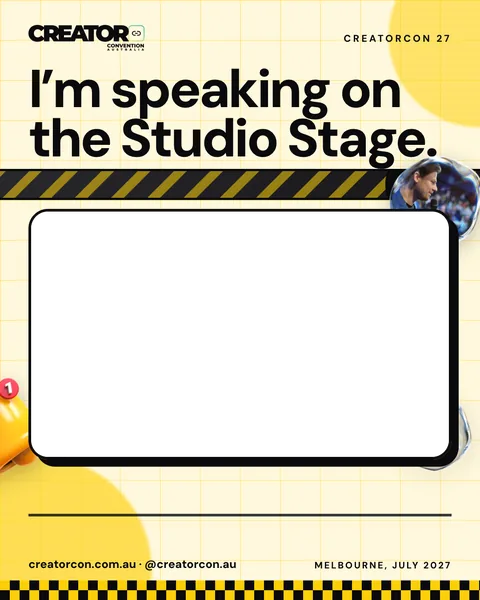
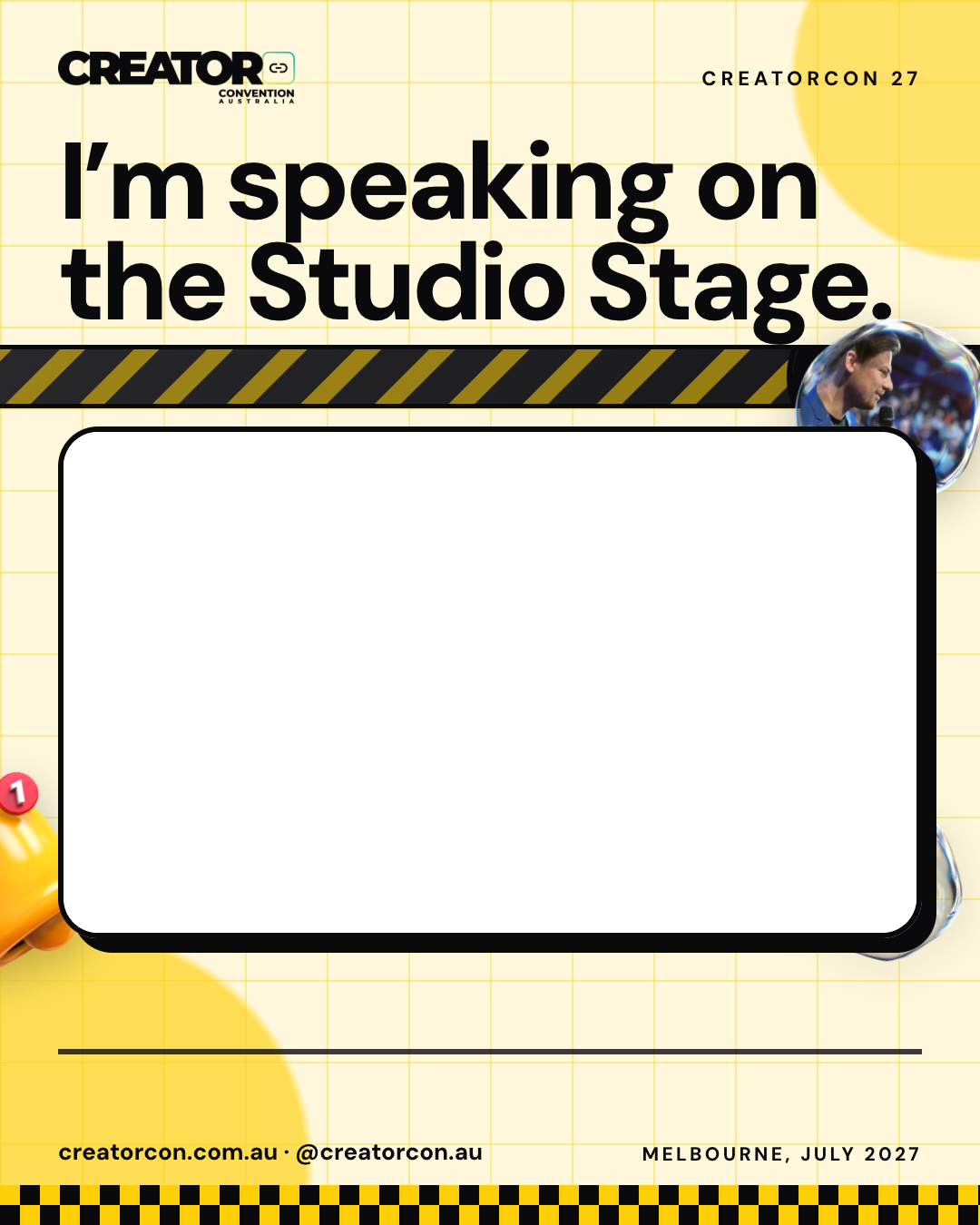
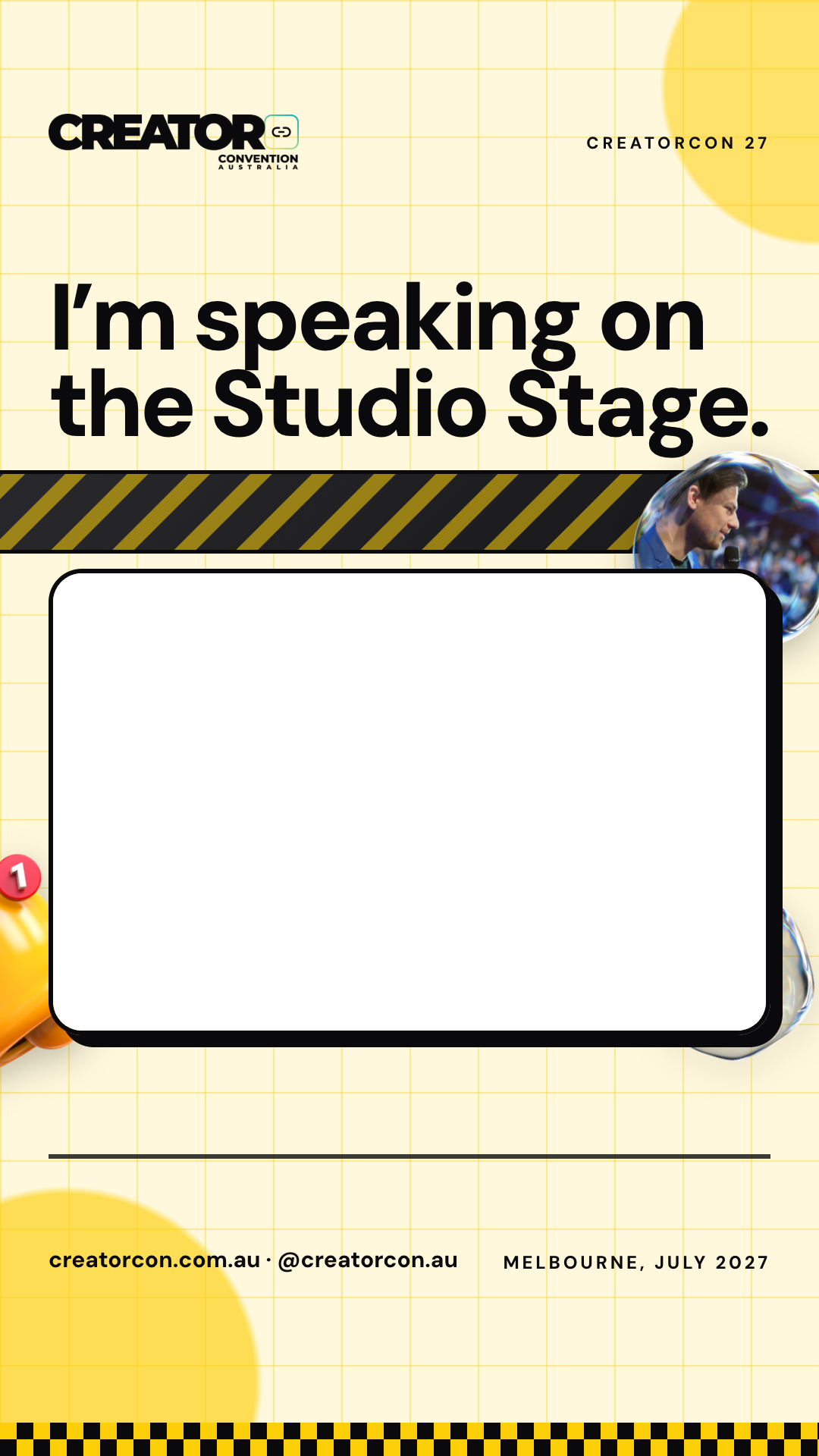
Frame, feed: Speaking on the Studio Stage

Speaking on the Studio Stage

Feed, 1080 x 1350

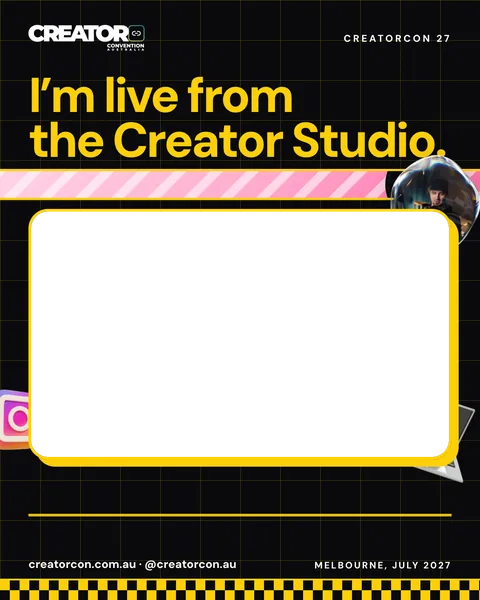
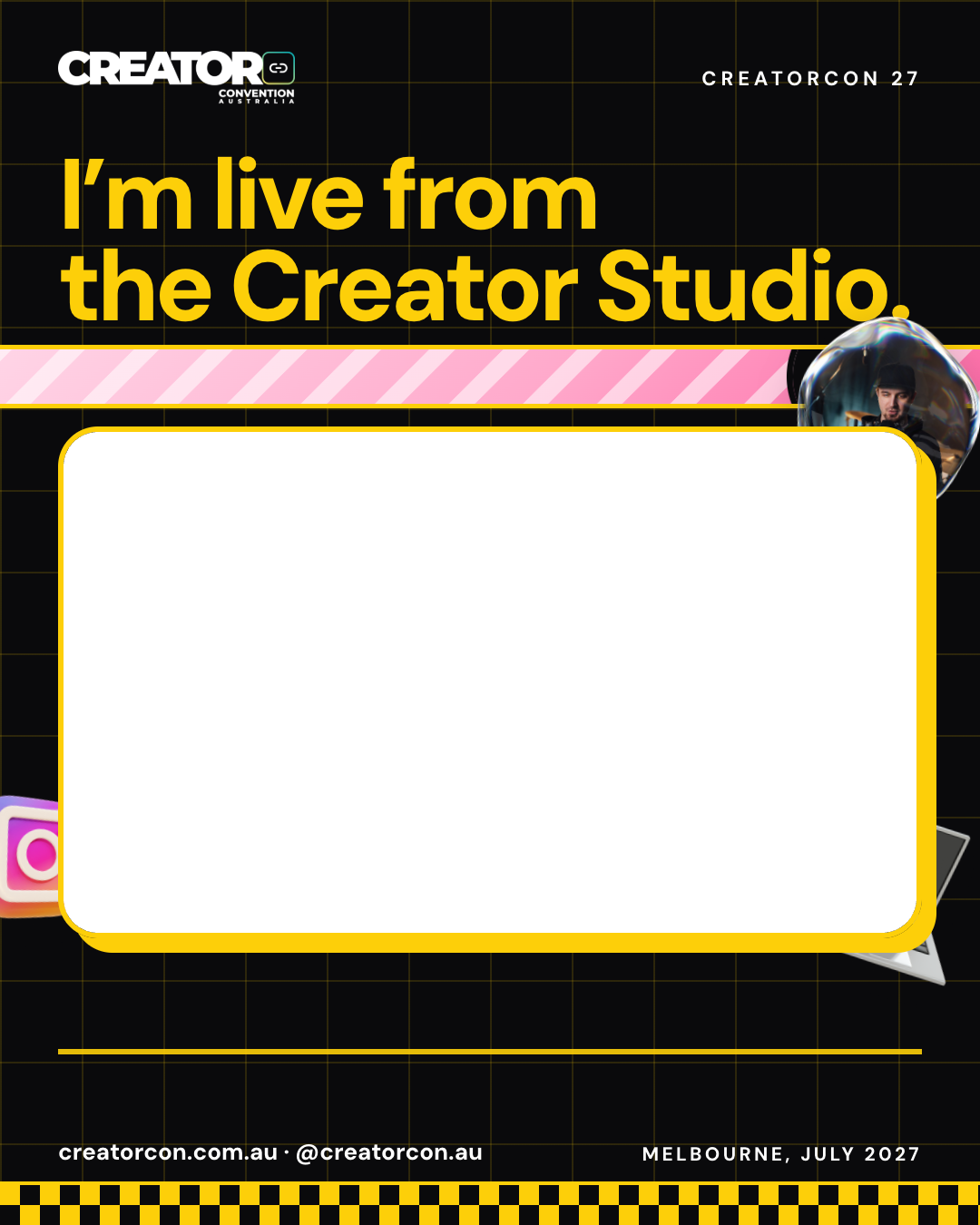
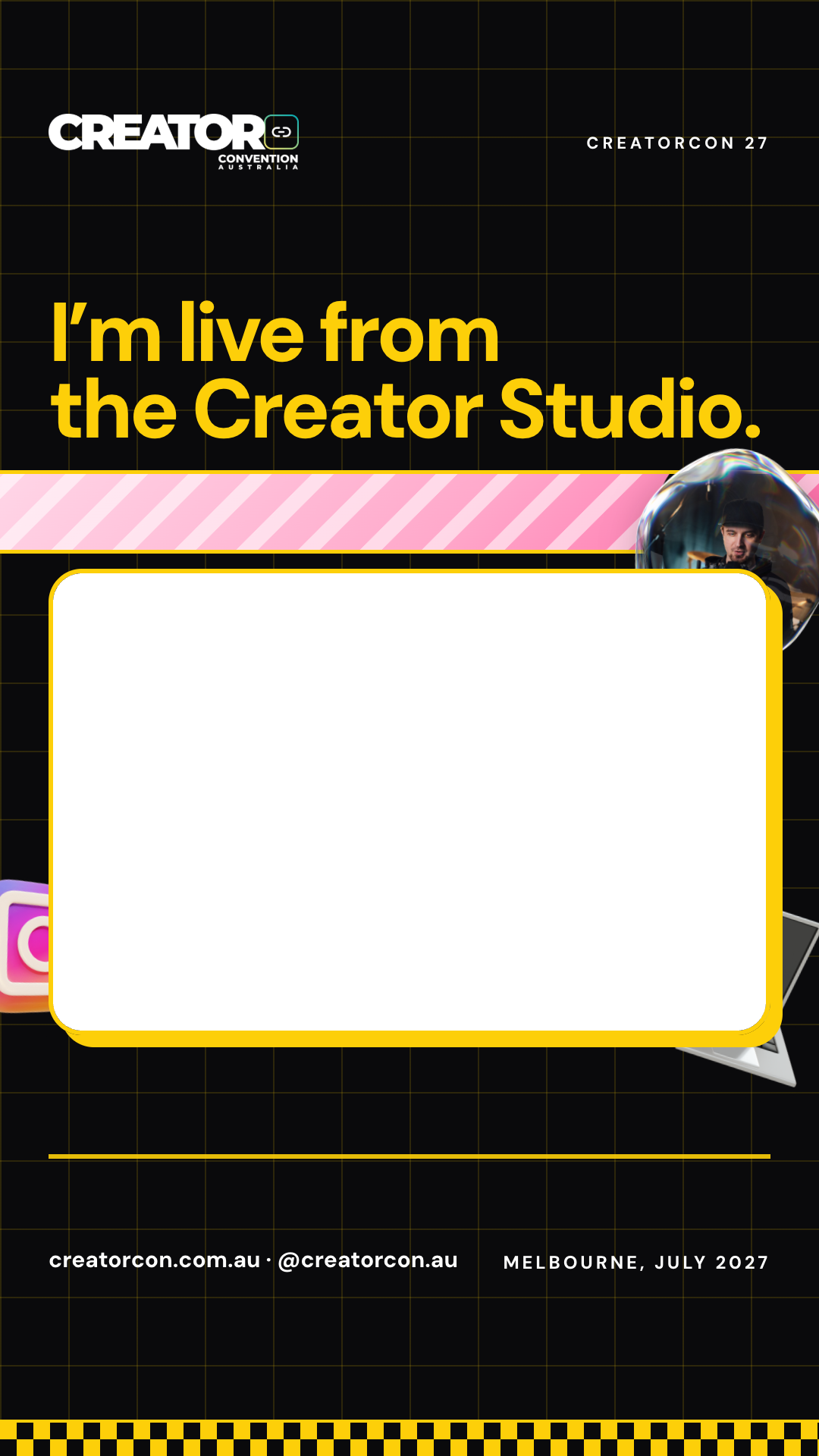
Frame, feed: Live from the Creator Studio

Live from the Creator Studio

Feed, 1080 x 1350

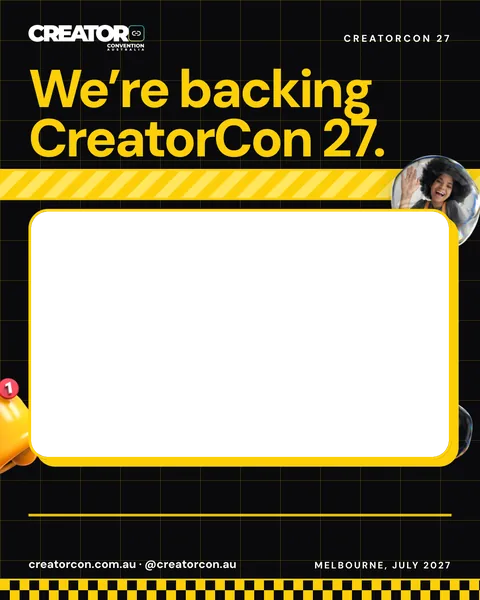
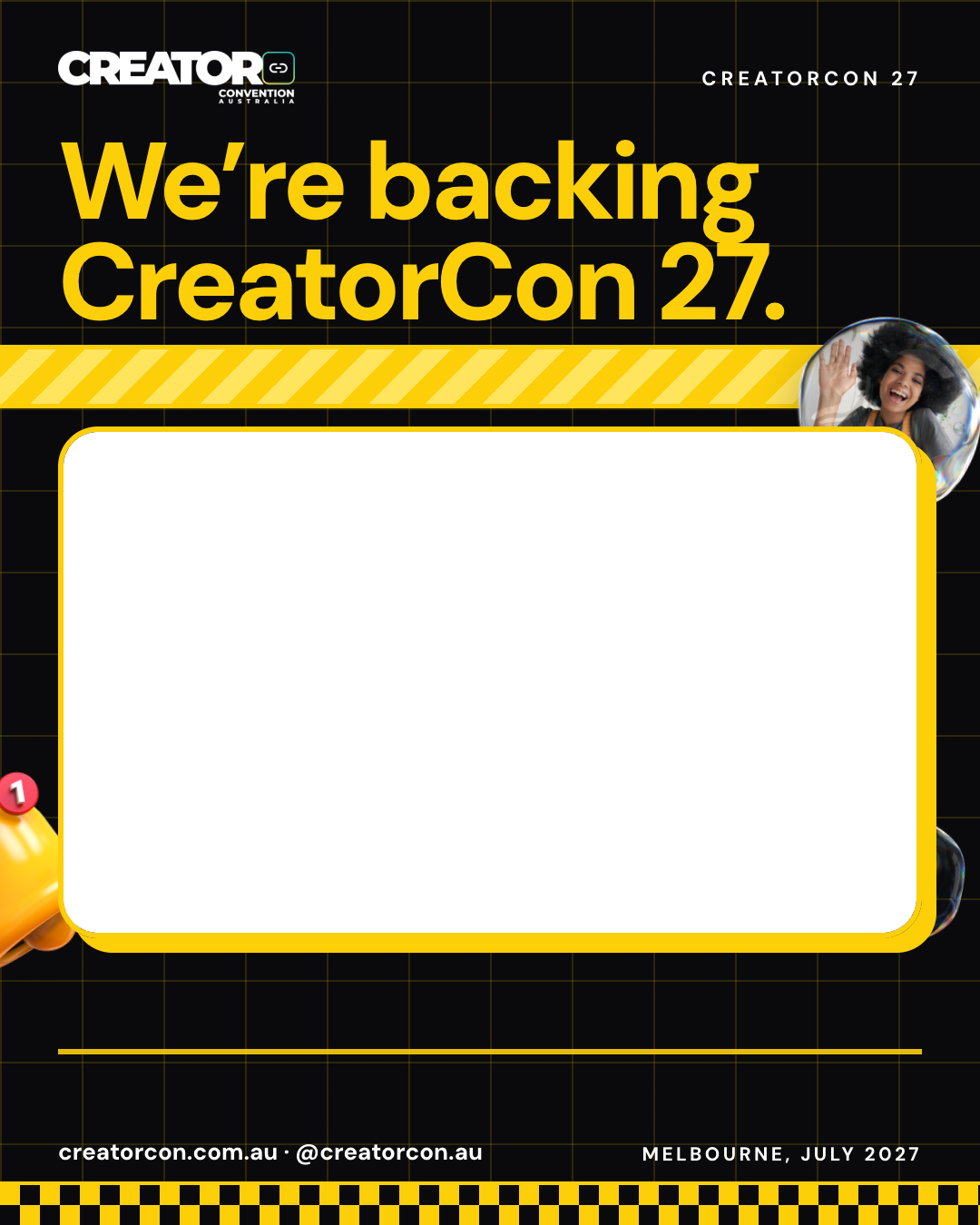
Frame, feed: Backing CreatorCon 27

Backing CreatorCon 27

Feed, 1080 x 1350

Story, 1080 x 1920

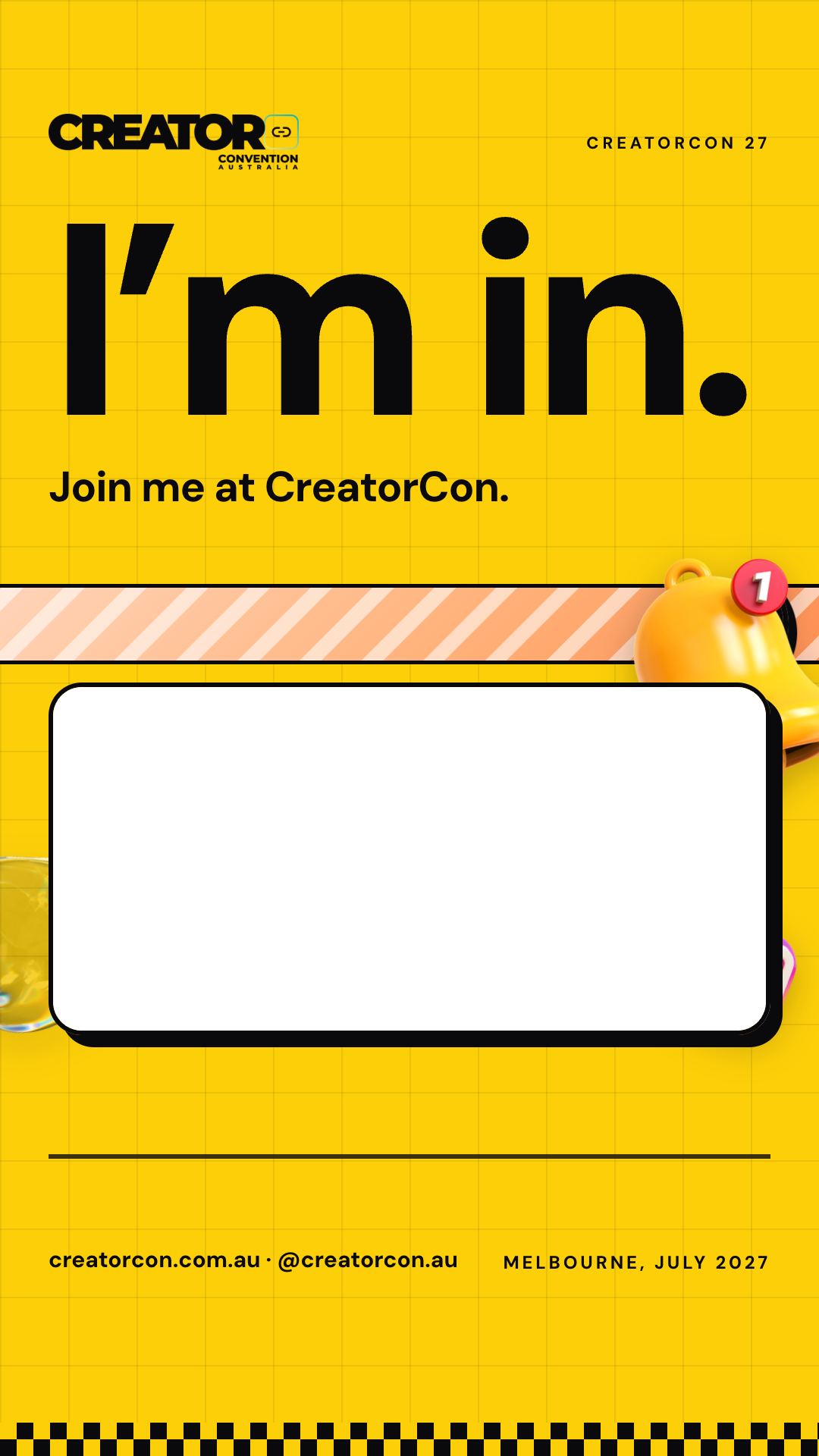
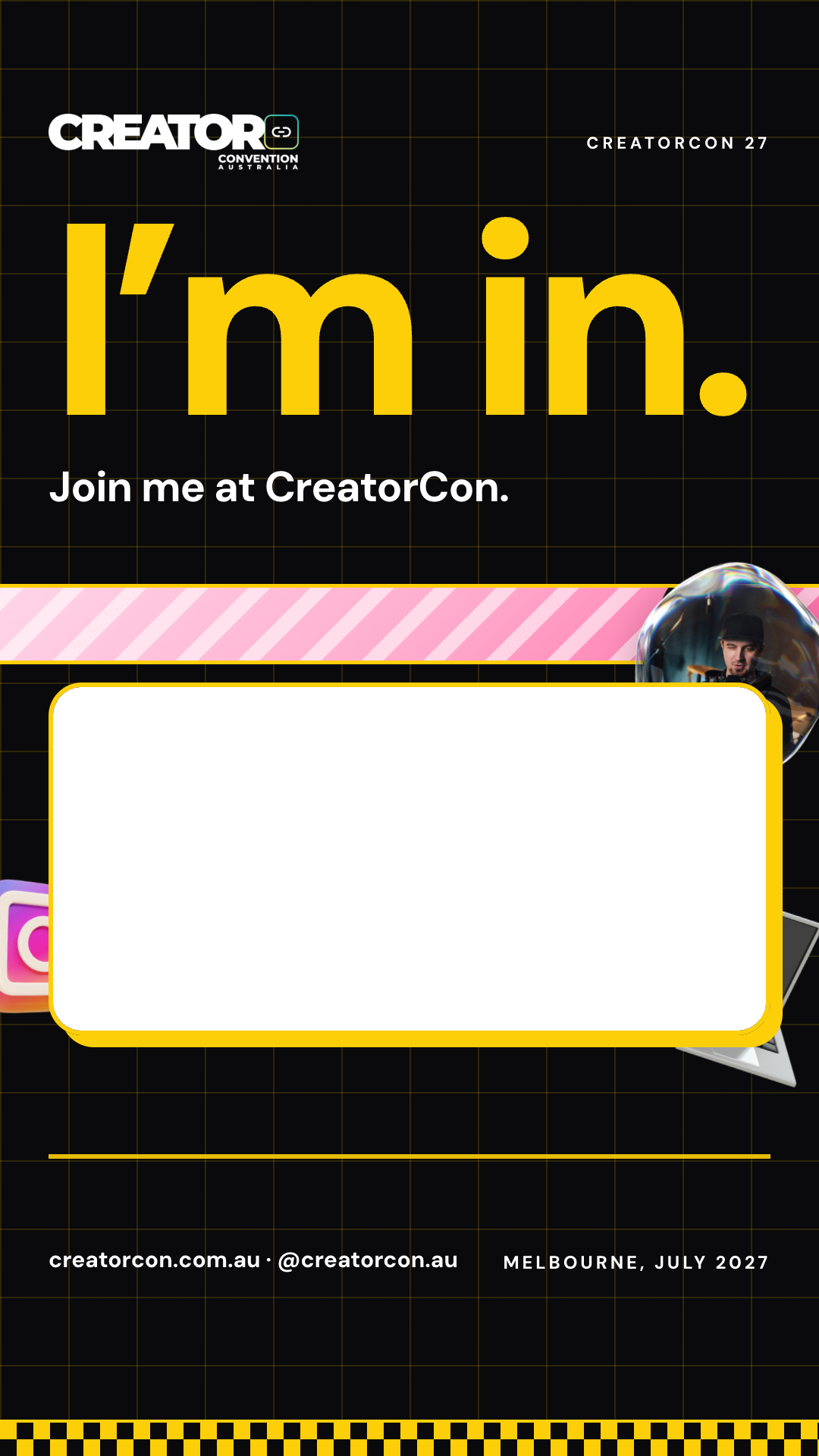
Frame, story: I’m in: attendee

I’m in: attendee

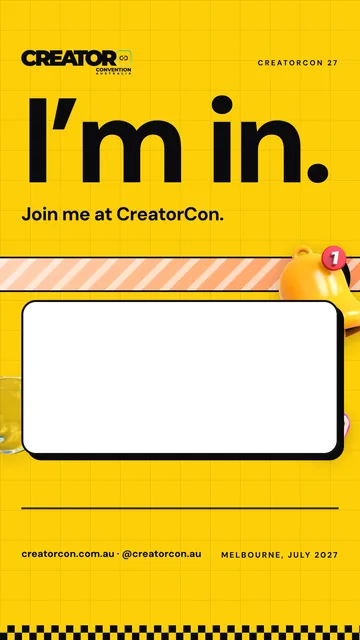
Join me at CreatorCon.
Story, 1080 x 1920

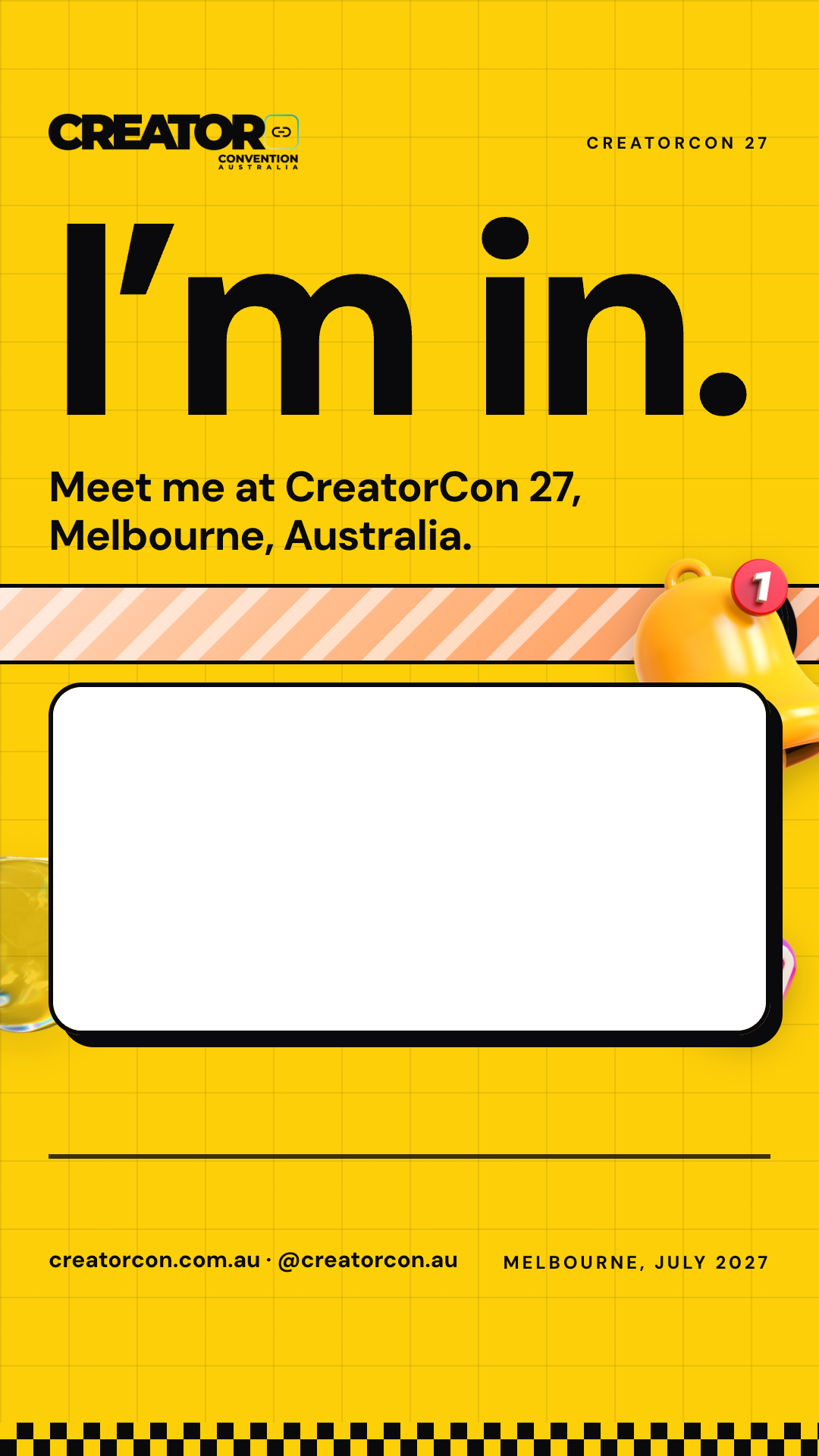
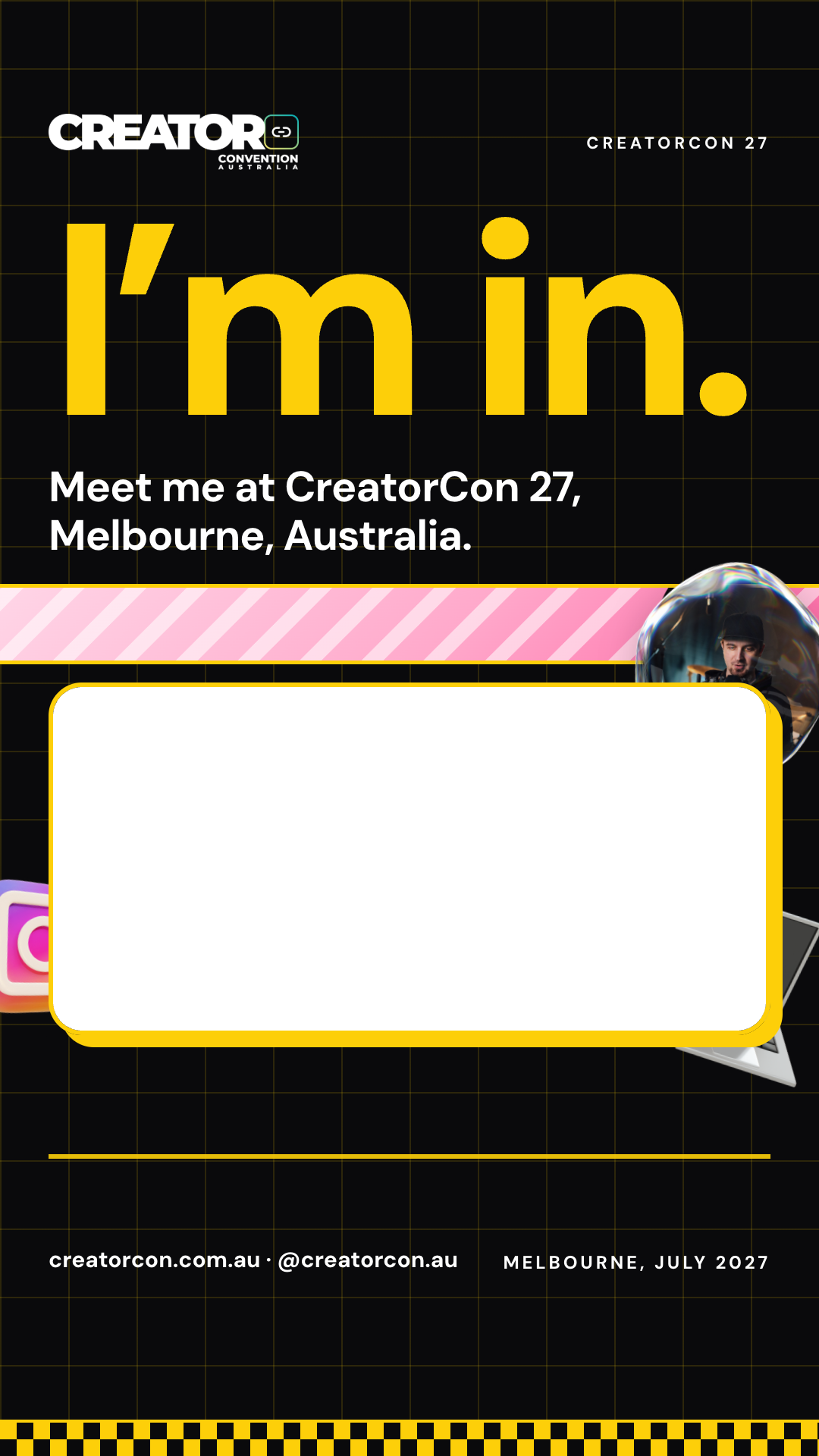
Frame, story: I’m in: attendee

I’m in: attendee

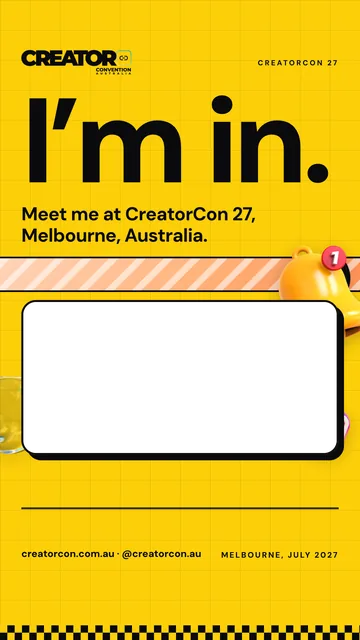
Meet me at CreatorCon 27
Story, 1080 x 1920

Frame, story: I’m in: creator

I’m in: creator

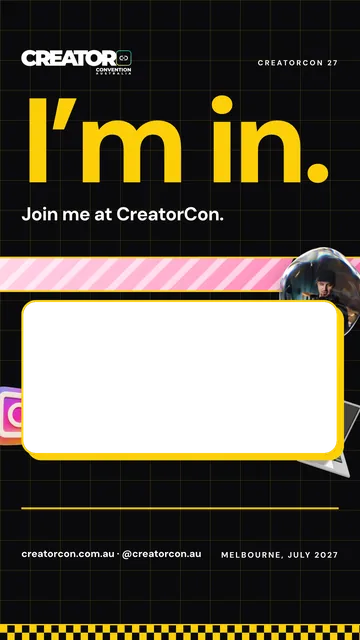
Join me at CreatorCon.
Story, 1080 x 1920

Frame, story: I’m in: creator

I’m in: creator

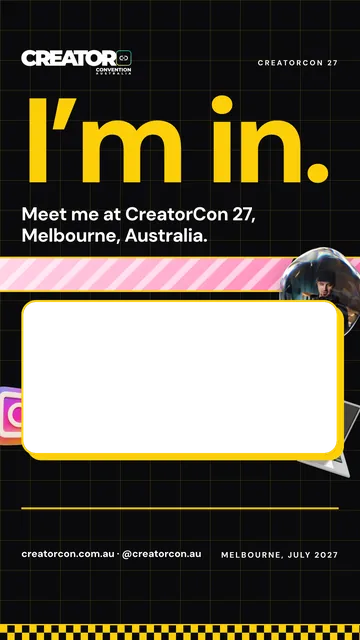
Meet me at CreatorCon 27
Story, 1080 x 1920

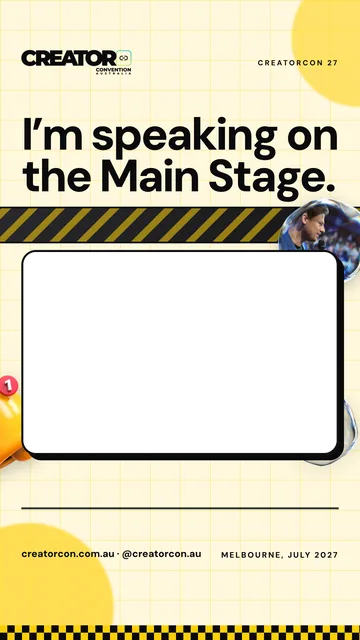
Frame, story: Speaking on the Main Stage

Speaking on the Main Stage

Story, 1080 x 1920

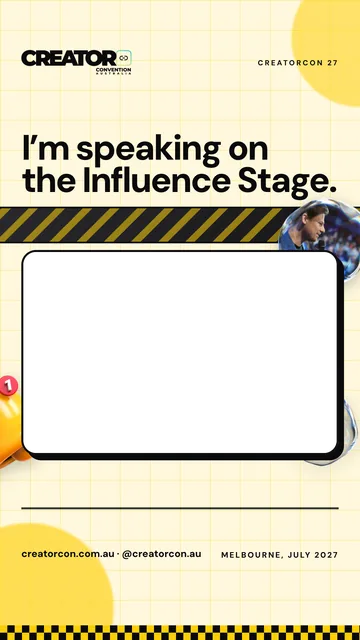
Frame, story: Speaking on the Influence Stage

Speaking on the Influence Stage

Story, 1080 x 1920

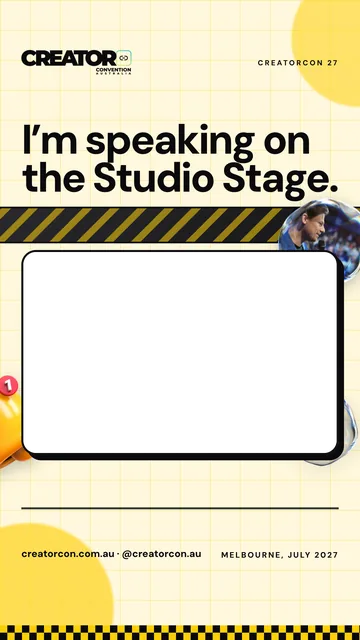
Frame, story: Speaking on the Studio Stage

Speaking on the Studio Stage

Story, 1080 x 1920

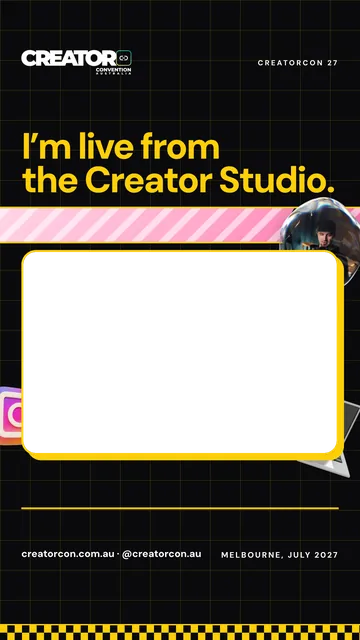
Frame, story: Live from the Creator Studio

Live from the Creator Studio

Story, 1080 x 1920

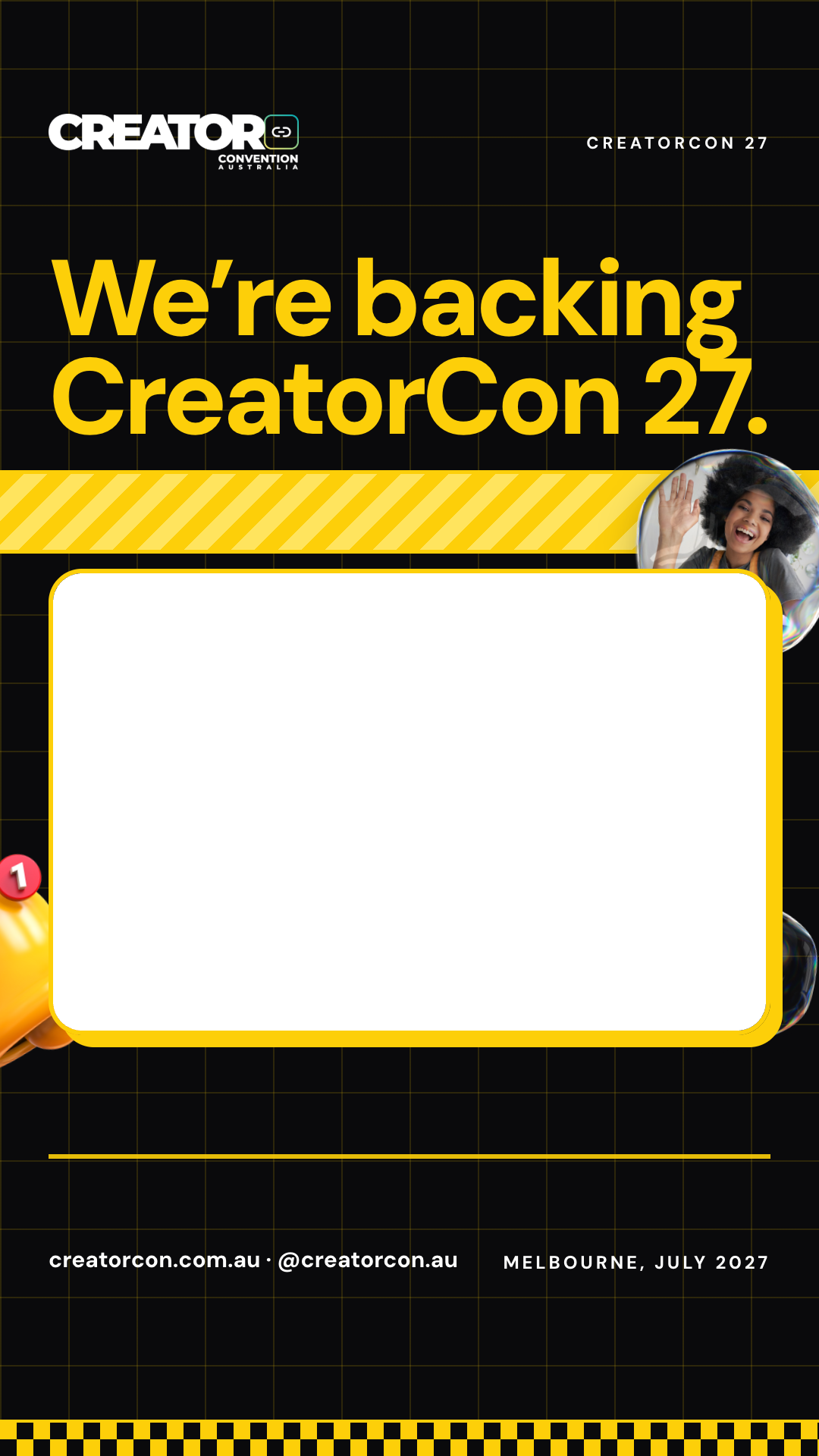
Frame, story: Backing CreatorCon 27

Backing CreatorCon 27

Story, 1080 x 1920

For editors

For editors

Transparent PNGs to lay over your own video in CapCut, Premiere or the Instagram editor, and an end card to finish on.

Portrait, 1080 x 1920

Small logo for the corner, top left, portrait

Small logo for the corner, top left

Transparent PNG, 1080x1920

Small logo for the corner, top right, portrait

Small logo for the corner, top right

Transparent PNG, 1080x1920

Lower third, portrait

Lower third

Transparent PNG, 1080x1920

Chequer strip, portrait

Chequer strip

Transparent PNG, 1080x1920

Landscape, 1920 x 1080

Small logo for the corner, top left, landscape

Small logo for the corner, top left

Transparent PNG, 1920x1080
Small logo for the corner, top right, landscape

Small logo for the corner, top right

Transparent PNG, 1920x1080
Lower third, landscape

Lower third

Transparent PNG, 1920x1080
Chequer strip, landscape

Chequer strip

Transparent PNG, 1920x1080
How to use

Five rules.

  • Don’t recolour the logo.
  • Don’t stretch it.
  • Keep the chequer off text.
  • Say “CreatorCon 27” and “Melbourne, July 2027”, never the exact days.
  • Tag @creatorcon.au and use #CreatorCon27.

Using the logo means you agree to these rules. Questions: kevin@creatorcon.com.au.